Mulebuy Spreadsheet shelves, each with its own question
The catalogue is sorted by shelf, and every shelf has one detail that settles most arguments later. Here it is for all of them, next to the shelf link.
Shelf by shelf, with the detail to request
A card takes you to its shelf in the catalogue; beneath each shelf name sits the request we would make in a remark for anything bought there.
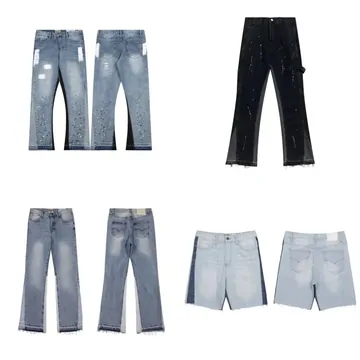 JeansWaist laid flat and inseam, in cm, for the size you chose.Category
 SneakersInsole length in cm, and whether both shoes carry the same size label.Category
 HoodiesChest flat, armpit to armpit, then length from the back collar.Category
 T-shirtsThe option name copied exactly; chest and length for oversized cuts.Category
 Jackets and coatsSleeve from the shoulder seam, and whether the lining is attached.Category
 SweatpantsWaist relaxed and stretched, plus the inseam.Category
 WomenswearA search shelf: name the cut and the size chart you read.Search results
 JerseysChest and length; any printing named in the option.Category
 BagsLength, height and depth, and the longest strap setting.Category
 HatsInner circumference, or whether the back adjusts.Category
 BeltsBuckle to middle hole, and the hole count.Category
 EyewearFrame width and whether a case and cloth are included.Category
 PerfumeBottle size as written on the listing; liquids follow carrier rules.Category
 JewelleryChain length and clasp type in one photo with a ruler.Category
 WatchesCase width and strap length; ask for the clasp closed and open.Category
 ElectronicsPlug type and what is in the box; batteries limit shipping lines.Category
What the catalogue shows, and what it leaves out
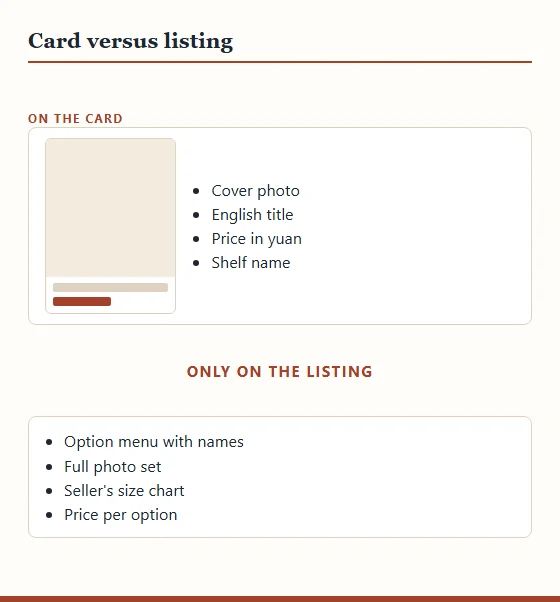
A card on the Mulebuy Spreadsheet is a summary of a listing: one cover photo, a cleaned-up English title, the seller's yuan price and its shelf name. It is enough to decide whether a find is worth opening. It is not enough to order from, because the parts that decide fit and price live on the listing itself.
The listing carries the option menu, the full photo set, the seller's size chart and sometimes a note about stock. The card cannot show which option you want, and where an item has a price range, the card's single figure may belong to the lowest-priced choice on the menu.
Treat the card as the start of your notes. Open the listing, read the menu, and write down the option name exactly; that string goes into your remark later.
Searching the catalogue in English and in Chinese
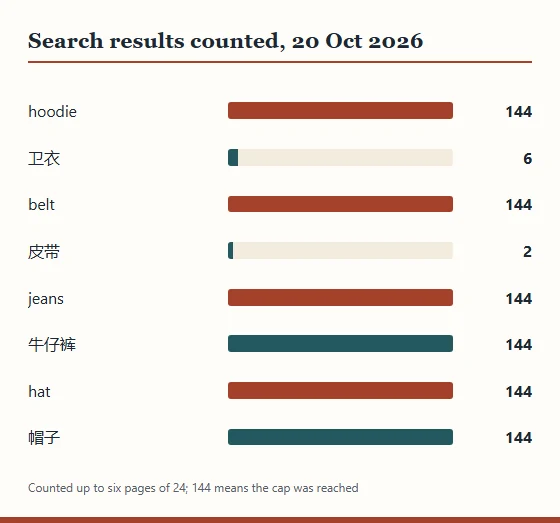
Searching from the home page covers every shelf at once. On 20 October 2026 we tried a few words both ways. The English words hoodie, jeans, belt and hat each filled the six result pages we counted, 144 entries apiece.
Chinese was hit and miss. 牛仔裤 (jeans) and 帽子 (hat) also filled six pages, but 卫衣 (hoodie) found 6 entries and 皮带 (belt) found 2. The likely reason is that titles are stored in English with only some Chinese left in, so English search is the safer first try.
Short nouns work better than long phrases: "crossbody bag" over "small black crossbody bag with chain". Narrow by shelf afterwards rather than packing adjectives into the search.
Every entry we sampled pointed at Weidian
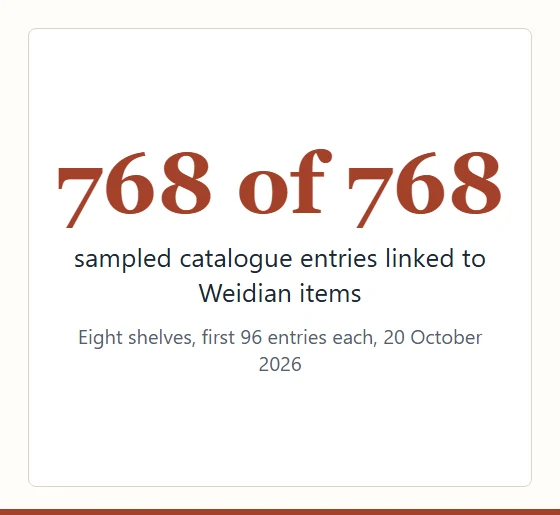
All 768 entries in our 20 October sample linked to Weidian items, and the digits that follow w- in a card's link are Weidian's own item number. Weidian is less a single marketplace than a shop-building tool: each seller runs their own small storefront inside it, with their own photos, menus and habits.
That matters for remarks. There is no common size format across Weidian shops, option names are whatever the seller typed, and some menus list colours as 1, 2 and 3. A remark that quotes the option string and asks for one measurement in centimetres survives all of that.
If a card's address points somewhere other than Weidian, the same advice holds; only the menu layout changes.